The questions your phone keeps ringing with: how to write an FAQ page AI tools can use
A practical way to build an FAQ page from the questions customers already ask you, so ChatGPT, Gemini and Google have real answers to quote.
· 6 min read
By the Blessed Pixels team
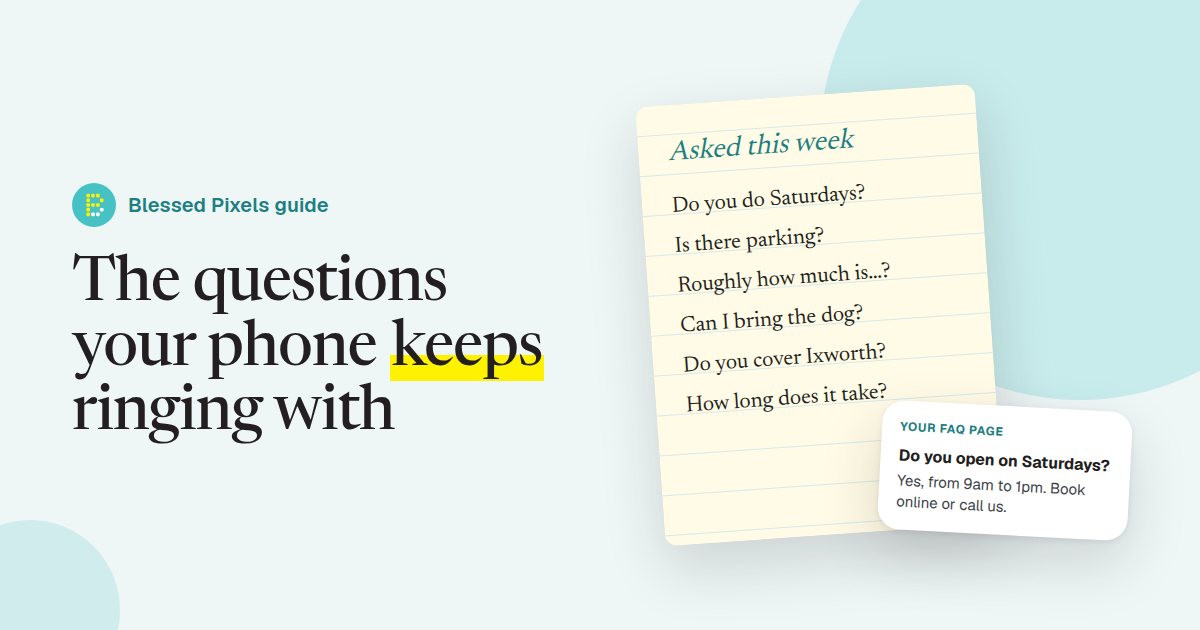
Keep a notepad by the phone next week. Or a note on your phone, if you're never at a desk. Every time a customer asks you something, write it down, word for word, the way they said it.
"Do you do Saturdays?" "Is there somewhere to park?" "Roughly how much is a boiler service?" "Can I bring the dog?"
By Friday you'll have a list, and it'll be more useful to your website than almost anything a designer could add. Those are the questions people now type into ChatGPT, Gemini and Google's AI Mode. When your site answers them, AI tools have something solid to work with. When it doesn't, they'll get the answer elsewhere, and quite possibly from a competitor who bothered to write it down. Our free AI website check will tell you whether your site has the basics in place while you're collecting.
Why the FAQ page matters more than it used to
For years the FAQ page was an afterthought. You had one because everyone else seemed to, and it said things like "What makes us different?"
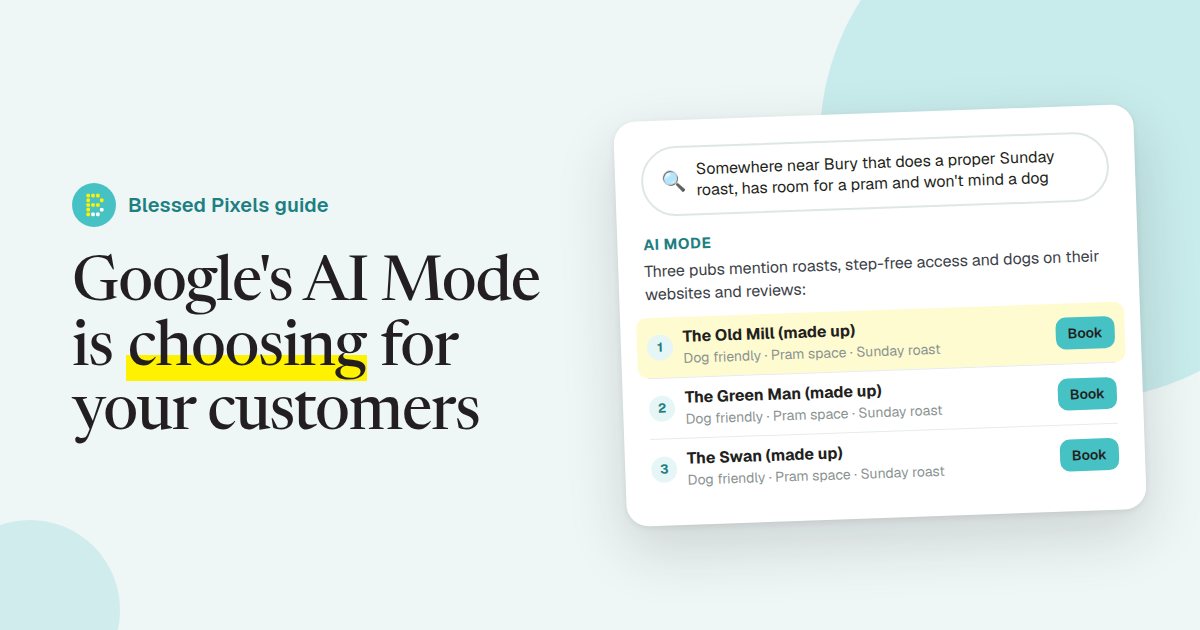
AI search has changed its job. People don't type "plumber Bury" into an AI assistant; they ask a whole question, often with strings attached: "Is there a plumber near Bury who can come out on a Sunday and doesn't charge a call-out fee?" The tool then goes looking for pages that answer that sort of thing.
A clear question with a clear answer underneath is about the easiest thing on the internet for these tools to understand and repeat. That's why, in a full AI audit, the questions and answers on a site are one of the first things we read.
Step one: collect the real questions
Resist the urge to sit down and imagine what customers might ask. You'll write the questions you'd like to answer, which aren't the same thing.
The notepad is the best source. A few days is plenty to get going. After that, look at your Google Business Profile, both the questions people have left there and what keeps coming up in reviews. Ask whoever answers the phone what they're tired of explaining; they'll have a list ready before you've finished asking. And go through your quotes and booking forms for the things people get wrong or query before they commit.
Then sort what you've got. Some questions are about the business itself: hours, parking, prices, payment. Others are about the work: how long a treatment lasts, whether an extension needs planning permission. Both belong on your site. The first kind are what our list of what we check calls the basic facts, and AI tools lean on them heavily.
Step two: write answers that stand on their own
A lot of FAQ answers are vague, or end in "call us for details". A person might ring. An AI tool just moves on to a site that gave a straight answer.
Put the answer in the first sentence. "Yes, we're open on Saturdays from 9am to 1pm." Detail can follow if it's needed.
Use the words customers use. If they say "boiler service", don't write "annual heating appliance maintenance", however proper it sounds.
Be specific. Areas you cover, rough or "from" prices, how long things take, what's included. When a price genuinely depends on the job, say what it depends on: access, size, materials, whatever it is in your line of work.
Give each question its own answer. Don't bundle three together, because an AI tool will often lift one answer on its own and it has to make sense without the others.
And keep it true. If your Saturday hours change in winter, change the page. A wrong answer does more harm than a missing one.
Here's the difference, using a made-up business. A weak answer:
Q: Do you cover my area? A: We cover a wide area. Please get in touch.
A useful one:
Q: Which areas do you cover? A: We cover Bury St Edmunds and villages within about 15 miles, including Thurston, Ixworth and Lavenham. For Stowmarket and Newmarket we can usually help with larger jobs, so just ask.
The second answers the question someone in Ixworth is going to ask. Rewriting a whole site's worth of answers like that is slow going, so if you'd rather hand it over, it's part of the work described on our what we fix page.
Step three: put the answers where they belong
You don't have to cram everything onto one page.
General questions (hours, parking, payment, areas) sit well on a main FAQ page. Questions about one particular service work better at the bottom of that service's own page. A salon's patch test question belongs on the colour page; a builder's planning permission question belongs with the extensions.
Wherever they go, keep the answers as plain text. Not in an image, not tucked in a PDF, not only inside a chatbot. Our own FAQ page is built that way, if you want something to copy the shape of.
What about FAQ structured data?
You may have been told to add "FAQ schema", a bit of code that labels each question and answer for machines. Before you spend money on it, a bit of background.
In August 2023 Google reduced how often FAQ rich results appear in normal search results, limiting them mainly to well-known government and health websites. For most small businesses, then, the markup won't make your listing any bigger in Google.
The questions themselves are still worth writing. Google's guidance on AI features and your website says no special markup is needed to appear in its AI features; useful content that can be read is what counts, and clear questions with clear answers fit that description. If your website platform adds FAQ markup for you, fine, but it has to match what's visible on the page (Google's structured data guidelines are firm on that). Treat it as a small extra. For the wider picture of what machines can and can't read, see what an AI crawler sees on your website.
Frequently asked questions
How many questions should an FAQ page have?
Enough to cover what people really ask, and no more. For most small businesses that's somewhere between eight and twenty on the main page, with a few more on individual service pages.
Can I copy FAQs from a competitor's website?
No. Apart from the copyright problem, their answers describe their business, not yours. Use the questions your own customers ask and answer them in your own words.
Should I use AI to write my FAQ answers?
It can help with a first draft, but check every answer yourself. AI tools will happily invent opening hours, prices or areas you don't cover. The facts have to come from you.
How often should I update my FAQ page?
Look at it whenever something changes, like prices, hours or services, and give it a proper read every few months. Adding a new question when customers keep asking it is a good habit.
Will an FAQ page get my business recommended by ChatGPT?
Nobody can promise that. What it does is give AI tools clear, accurate answers about your business to draw on, which improves your chances compared with a site that leaves them guessing.