What pages does a business website need? The six that do the work
The six pages a business website needs for customers, Google and AI tools, what goes on each one, and the pages you can happily leave out.
· 5 min read
By the Blessed Pixels team
Picture a roofer, a made-up one we'll call Dan, whose website has eleven pages. Three are "Welcome" pages from an old template, one is a gallery that hasn't loaded since 2021, and the page with the phone number is buried under a menu called "Info". When someone asks their phone for a roofer near them, nothing on that site makes Dan an easy answer.
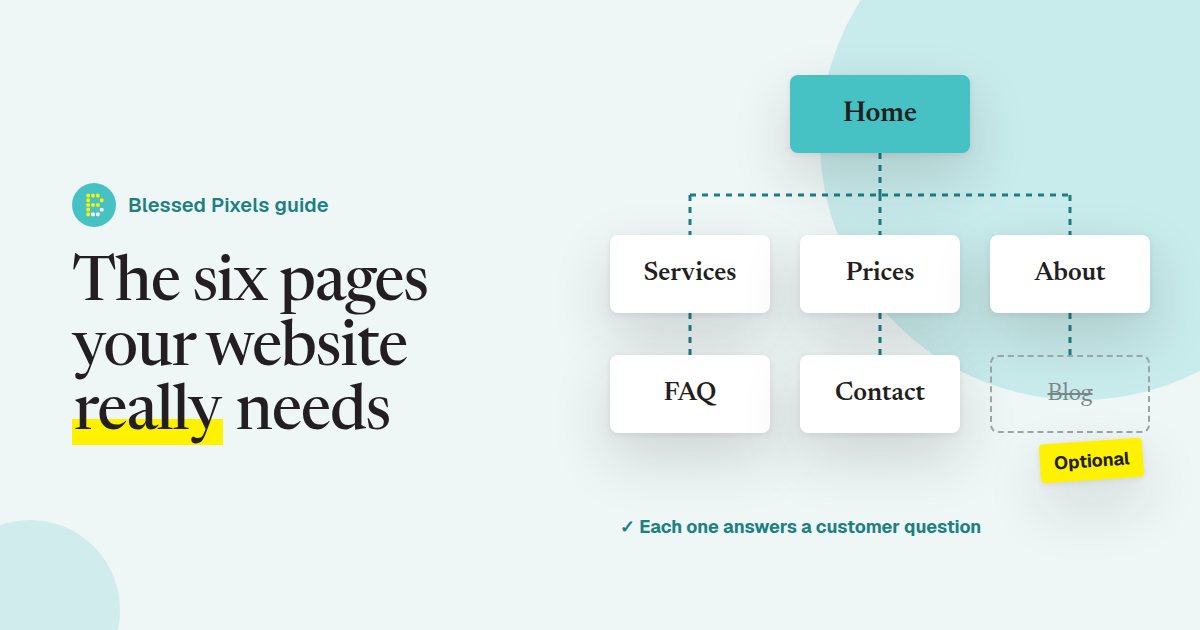
So, what pages does a business website need? For most businesses, six. Each one answers a question a customer has before they ring you, and those same answers are what Google and AI tools like ChatGPT look for when deciding who to suggest. Here they are, what goes on each, and what you can skip.
1. A home page that says what you do, where, in one line
Most visitors decide within a few seconds whether they're in the right place. Your home page has one job: confirm it.
Put a plain sentence near the top that a stranger could repeat: "Roof repairs and new roofs in Bury St Edmunds and across West Suffolk." Not a slogan. Underneath, link to your main services, show a phone number that can be tapped on a mobile, and give one clear next step, like "Get a quote".
A clever tagline can come second. Tools that summarise businesses for people, including Google's AI features, need words they can quote, and Google's own guide to its generative AI features points site owners back to the same basics: clear, useful text on the page. Every site on our website plans starts with that sentence before anything else.
2. A page for each main service
One page that lists "repairs, new roofs, guttering, chimneys, flat roofs" in a row is easy to write and hard to find. A customer searching for flat roof repairs wants a page about flat roof repairs.
Give each main service its own page, even a short one: what it is, who it's for, the area you cover, a rough idea of time and price, and a photo of real work. Three good service pages beat one long list.
If you offer more than five or six services, group them. A salon might have pages for cuts, colour and treatments rather than one per treatment. This is the page type that most often needs more room than a basic template allows, which is why our Growing Business plan has up to 14 pages against the Starter plan's 6 (compare the two plans).
3. Prices, or at least a starting point
People hate ringing round to find out if they can afford you, and many simply won't. A prices page, even with "from" prices or typical ranges, filters out the wrong enquiries and reassures the right ones.
You don't need a full price list if every job is different. "Most boiler services are £80 to £95. Call-out within Bury is free" tells a customer far more than "Contact us for a quote". If prices really can't be shown, explain what affects the price and how quickly you'll give a quote.
Prices written as text also help when people ask an AI tool something like "roughly how much is a boiler service near me". It can only repeat what it can read. Prices hidden in a photo of a leaflet don't count, which is one of the things our free AI check looks for.
4. An About page with real people in it
This page gets more visits than owners expect, usually from people who are nearly ready to book and want to know who they're letting into their house or trusting with their money.
Say who runs the business, how long you've been doing it, any qualifications or memberships that matter in your trade (Gas Safe, a trade body, insurance), and a real photo. Keep it short. Two paragraphs and a photo is plenty. A line about why you started is nice; a page of company values usually isn't read.
When we build a website for you, we ask for exactly these details when we collect your words and photos.
5. An FAQ page built from real questions
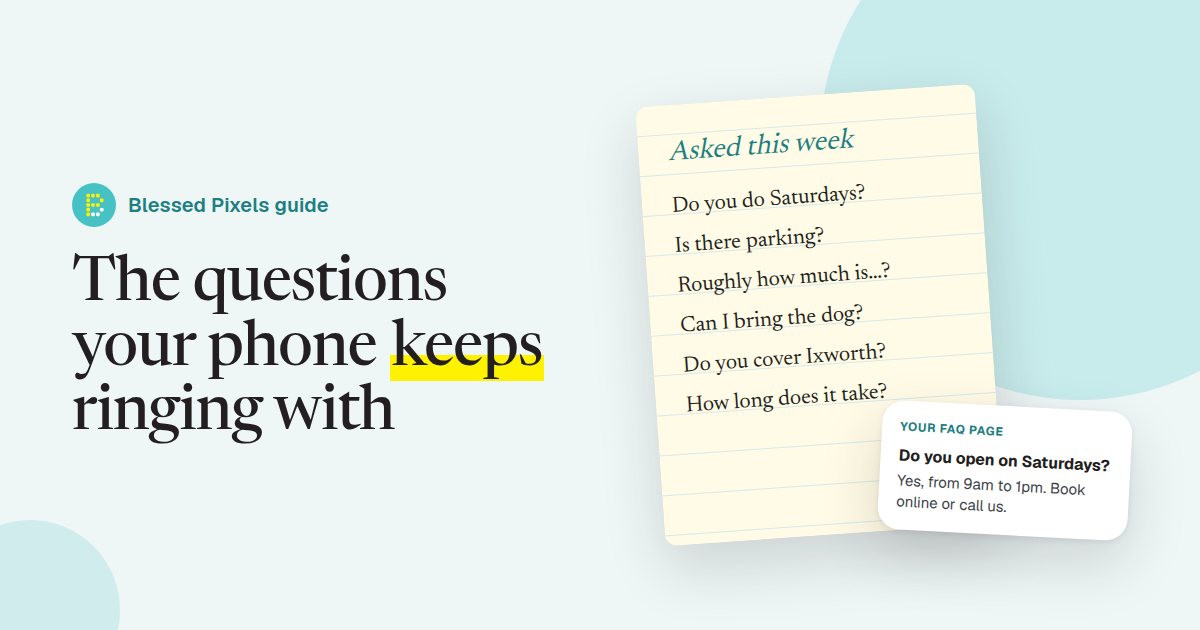
Your phone and inbox already tell you what goes on this page: do you work Saturdays, is there parking, how long does it take, do you cover Ixworth. Write those questions down for a week and answer them plainly.
A good FAQ page saves you phone calls and gives search engines and AI tools ready-made answers to quote. We wrote a whole guide on building an FAQ page from the questions you already get, so we won't repeat it here.
6. A contact page that removes every excuse not to call
Phone number, email, address (or the area you cover if you travel to customers), opening hours written as text, and a simple form. A map helps if people visit you.
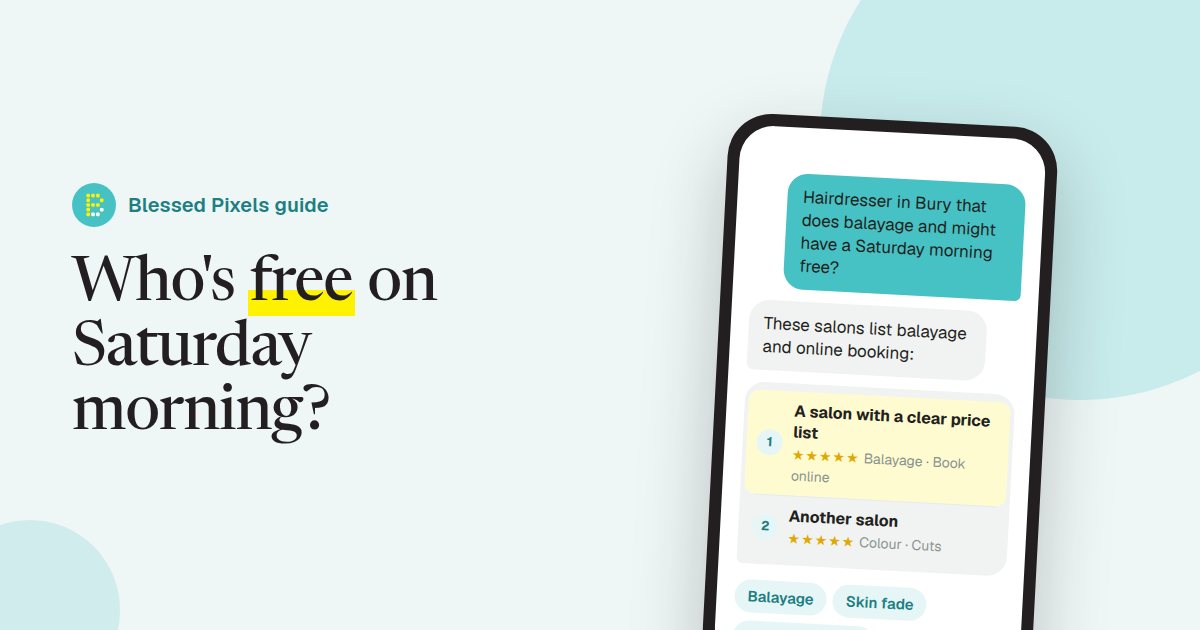
Opening hours deserve a special mention. Many businesses only list them on Google, then wonder why a chatbot tells customers they're closed on Saturdays. Put them on your website too, in plain words, and keep them in step with your Google Business Profile. Every plan we offer includes small monthly changes for exactly this kind of update (see what's included).
The pages you can skip (for now)
A blog is great if someone will actually write it. An empty one with two posts from 2022 does more harm than none. A testimonials page is fine, but reviews read better on the pages where they're relevant, like a quote from a happy customer on the service page it's about. Separate "Mission" and "Vision" pages are almost never read.
What you can't skip are the legal bits: a privacy policy if you collect any personal details through a form, and a cookie notice if you use cookies that need consent. In the UK the ICO's plain-English data protection advice is a sensible place to check what applies to you.
If you'd rather not build all this yourself, our pay monthly websites include the pages, hosting and updates for one monthly fee, and you keep your web address.
Frequently asked questions
How many pages should a business website have?
Six is a good start for most businesses: home, services, prices, about, FAQ and contact. Add a page per main service as you grow, rather than adding pages for the sake of it.
Is a one-page website enough?
It can work for a very simple business, but you lose separate pages for each service, which is what people tend to search for. If you start with one page, plan to split it later.
Do I still need a website if I have a Facebook page?
We'd say yes. You don't control how a social page looks or who sees it, and search engines and AI tools generally get much clearer facts from a proper website you own.
Should I put prices on my website?
Yes, if you can, even as "from" prices or typical ranges. It saves both sides time and gives AI tools a real answer when customers ask what something costs.