Cafés and restaurants: how to be the answer when someone asks AI where to eat
People now ask ChatGPT, Gemini and Google's AI Mode where to eat. What those tools read about a café or restaurant, and the fixes that get you named.
· 7 min read
By the Blessed Pixels team
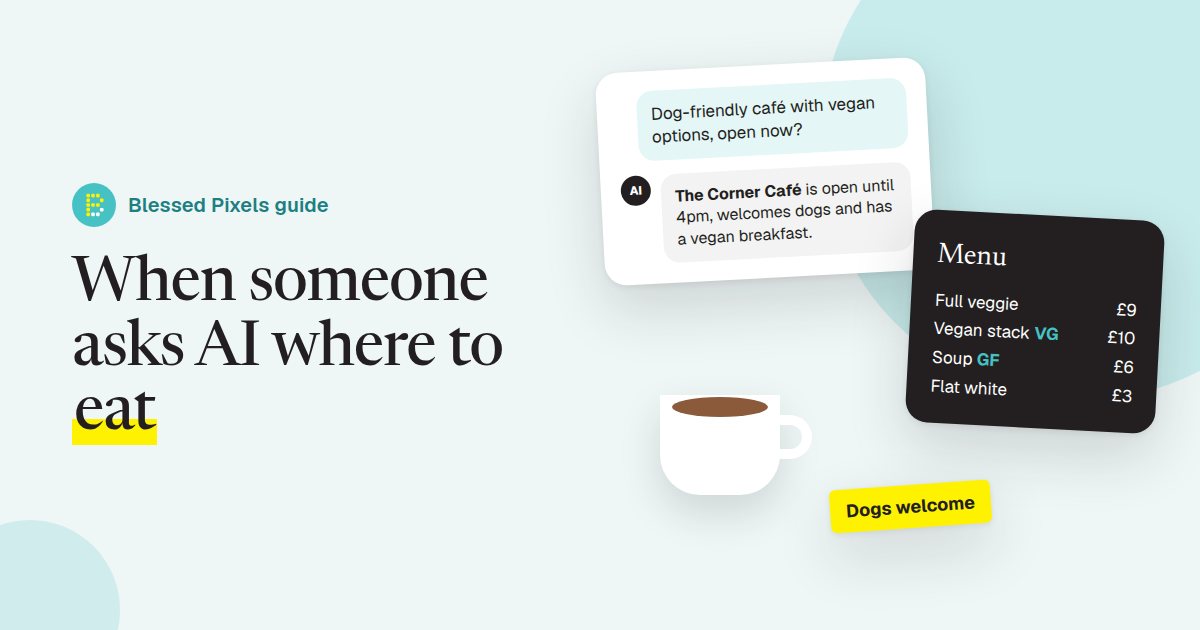
It's half eleven on a Sunday. Four friends, one dog, one vegan, and nobody fancies another chain. Someone gets their phone out and asks:
Dog-friendly café near the abbey with proper vegan options, open now?
That question used to go into Google and come back as a map with twenty pins. Now it often goes into ChatGPT, Gemini or Google's AI Mode, and comes back as two or three names with a sentence about each. AI search for restaurants and cafés works on whatever those tools can read about you. If the answer to "dog-friendly", "vegan" or "open now" isn't written down anywhere they look, you're not in the sentence.
This one is for cafés, restaurants, pubs that serve food, takeaways and bakeries. Most of the fixes are free and take an afternoon. If you'd like to see where you stand first, put your website through our free AI website check; it shows what an AI tool can and can't pick up from your pages.
Why food businesses get left out of AI answers
People don't ask AI for "a restaurant". They ask for a restaurant with a detail attached: gluten-free, kids' menu, outdoor seating, open late, takes bookings for twelve, does a Sunday roast, has parking. Every one of those details is a separate fact, and AI tools only repeat facts they can find.
Now think about where those facts usually live for a café. The menu is a photo on Instagram or a PDF designed for printing. The dog policy is a sticker on the door. Opening hours are on Google but say something different on the website, and the Christmas hours are in a Facebook post from last year. A person can piece that together. A crawler mostly can't, which we explained in what an AI crawler sees on your website.
So the tool knows you're "a café in town" and nothing else. It names the place down the road whose website says "dogs welcome" in plain words. Spotting gaps like that, one by one, is a big part of our full AI audit.
Get your Google Business Profile right first
For most food businesses this matters more than the website, because Google's own AI features draw on it and so do plenty of other apps and directories.
Start with the basics Google lists in its guide to setting up a Business Profile for a restaurant: the right primary category (Café, Italian restaurant, Fish and chips takeaway, and so on), your real opening hours, special hours for bank holidays, and a booking or ordering link if you take them.
Then the attributes. These are the small yes-or-no facts such as outdoor seating, wheelchair-accessible entrance, good for kids, and dog-friendly where it's offered. Google explains them on its page about managing your business attributes. They're exactly the details people add to their questions, so tick every one that's true and leave the rest alone.
Last, the menu. Google has a menu editor where you can type dishes, descriptions and prices straight into your profile. A typed menu gives an AI tool something to read. A photo of a chalkboard gives it a photo. Google also picks out popular dish names from reviews and photos, which is one more reason to get the names on your menu matching what people actually call them.
This groundwork is on the list of things we look at in every audit (see what we check). Food businesses simply have more of it than most.
Put the menu on your website as real text
If you change only one thing after reading this, make it this one.
Make a menu page with every dish typed out: the name, a short line on what's in it, the price, and the dietary marks people look for (V, VG, GF, contains nuts). Group it the way your customers think, so Breakfast, Lunch, Cakes, Drinks, or Starters, Mains, Puddings. Keep the lovely designed PDF as a download if you like. It just shouldn't be the only copy.
Two habits help a lot. Write "vegan" and "gluten-free" as words somewhere on the page, not only as little icons, because icons don't always survive being read by a machine. And if the menu changes weekly, keep a short "what we always have" section that stays put, so the page is never empty between updates.
Customers notice the difference too. A typed menu is far easier to read on a phone than a pinch-and-zoom photo of a board. If your website makes this hard to change, that's often a sign it's due a rebuild on one of our website plans, where small changes like a new menu are included each month.
Answer the questions people ask before they set off
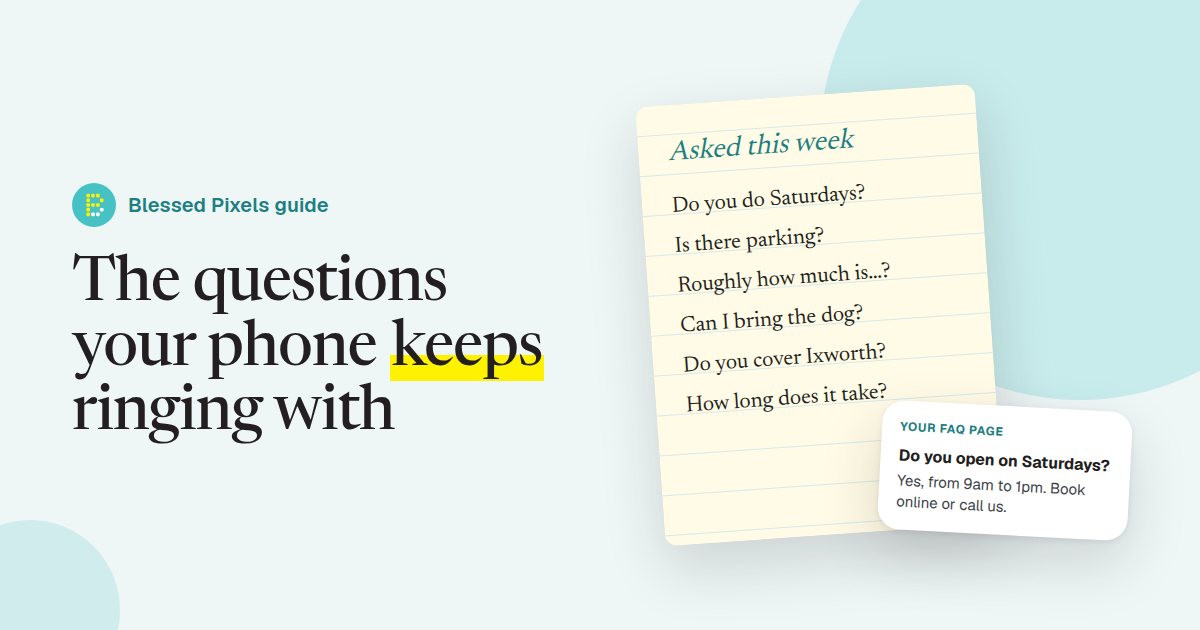
Every café gets the same handful of questions by phone, message and at the counter. Write them down for a week, then answer them on your website in a sentence or two each:
- Are dogs allowed inside, or just on the terrace?
- Do you take bookings, and for how many?
- Is there a high chair and baby changing?
- Is it step-free, and is there an accessible toilet?
- Where's the nearest parking?
- Do you do takeaway, and can I order ahead?
That short list does more for AI answers than almost anything else on the site, because it's written in the same words people type into the chat box. We wrote a whole guide to building an FAQ page from the questions you already get, so we won't repeat it here.
Keep your hours the same everywhere
This one causes more lost Sunday trade than people realise. If Google says you shut at 4, the website says 5 and a directory from 2022 says you're closed on Sundays, AI tools have three answers and no reason to trust any of them. Some will play it safe and leave you out.
Pick one set of hours and copy it to your Google Business Profile, your website footer, your Facebook page and any booking or delivery app you use. Add special hours before every bank holiday and over Christmas, and take them down afterwards.
On the website, write the hours as text on every page, not inside an image. If you'd like the machine-readable version as well, structured data for a restaurant on schema.org has a place for opening hours, cuisine, price range, menu and whether you take reservations. Most website builders and WordPress plugins fill it in from a form. Setting this up properly is one of the jobs on our fixes page.
Let your reviews do some of the describing
Reviews are where a lot of the detail comes from. When customers write "lovely dog-friendly spot" or "best vegan breakfast in town", that phrasing gets picked up and repeated.
You can't write reviews for people, and you shouldn't offer anything in return for them. You can ask. A card by the till or a line on the receipt saying "If you enjoyed it, a Google review really helps us" is fair, and so is a gentle reminder in your booking confirmation email. Reply to reviews, good and bad, in a friendly way that mentions the dish or the occasion. Those replies are text on your profile too.
Google keeps changing how its AI answers point people towards the websites behind them (it posts these updates on its blog, for example its note on AI Mode and AI Overviews updates). The details will keep moving. Clear facts, written down in one consistent way, is what holds up through every change. Our free AI check is a quick way to see whether your site already does that.
Frequently asked questions
Do I need a website if I'm already on Google and Instagram?
It helps a lot. AI tools read websites far more easily than social posts, and your website is the one place where you control every word. A simple site with your menu, hours, location and FAQs is enough to start.
Is a PDF menu bad for AI search?
It isn't bad, but it's not enough on its own. Some tools read PDFs and some don't, and photos of menus are harder still. Typing the menu onto a web page as well means every tool can read it.
How do I get ChatGPT to recommend my restaurant?
There's no form to fill in and nobody can promise a mention. What you can do is make the facts easy to find and the same everywhere: a complete Google Business Profile, a typed menu, clear hours and answers to common questions on your website.
What should a café put in its Google Business Profile?
The right category, accurate opening hours including bank holidays, every attribute that's true for you (outdoor seating, dog-friendly, accessible entrance and so on), a typed menu with prices, recent photos and a booking or ordering link if you have one.